Security and privacy considerations for autonomous stores in Franchise & multi-location retailers.

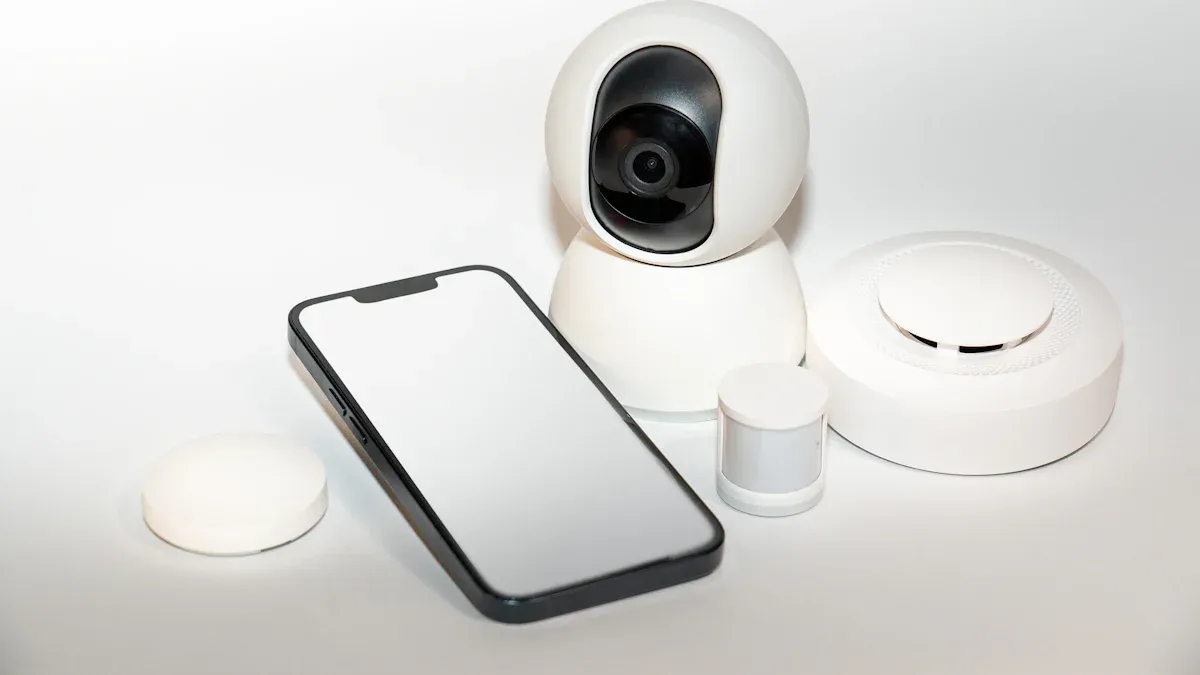
You will see new problems as autonomous stores become more common in franchise and multi-location retail. Security and privacy are very important because these stores gather a lot of private data, like payment information and shopping habits. If you do not use strong protection like data encryption or safe payment systems, people who should not see the data might get in. Collecting data about where customers go and what they buy also makes people worry about privacy. You must keep this information safe to make sure customers trust you and to follow tough privacy laws.
Key Takeaways
Use strong security tools like cameras and access controls. This helps stop theft and keeps your store safe. Update software often and teach workers about cyber threats. This keeps your systems safe. Only collect the customer data you really need. Use encryption to keep their information safe. This builds trust and follows rules. Make a clear plan for what to do in emergencies. This helps your team act fast and well. Check your security often and use the same rules at every store. This makes security and work better everywhere.
Security and privacy risks in autonomous stores

Product loss and physical threats
Autonomous stores have special problems. One big problem is losing products. Thieves might steal things if cameras do not work or doors are left open. If you do not have good security, your store can lose lots of money. The National Retail Federation says stores lose almost $100 billion each year from theft. In the UK, stores lost £7.9 billion in 2023. A Dutch retailer lost €100 million from stolen stock.
Source | Estimated Loss |
|---|---|
National Retail Federation | Nearly $100 billion for the industry |
UK Retailers (2023) | £7.9 billion to stock theft |
Dutch Retailer | €100 million problem due to stock theft |
You can lower these risks by using wide-angle IP cameras at doors. Fixed-focus cameras help you watch sales. PTZ cameras let you see stock rooms. Role-based access control keeps some areas off-limits to most people.
Cyber threats and data breaches
You need to keep your store safe from cybercriminals. Attackers use phishing to trick workers into giving up passwords. Ransomware can lock your data until you pay. SQL injection attacks try to steal information from your databases. Criminals may also steal admin credentials or use weak backup software to get in. If you do not protect your systems, you could lose customer trust and money.
Phishing: Tricks people into giving away passwords.
Ransomware: Locks your data until you pay money.
SQL Injection: Steals important data from databases.
Administrative Credential Theft: Gets into important systems.
Backup Software Vulnerabilities: Uses weak backup tools to attack.
Privacy concerns with data collection
Security and privacy risks get bigger as you collect more customer data. Autonomous stores often gather payment info, shopping habits, and where people go. Customers worry about how their data is used. They fear targeted ads, sharing without permission, and data leaks. Some feel like they are always watched, which can make them not trust you.
To help with these worries, use anonymization and pseudonymization to hide personal info. Always tell customers what data you collect and why. Let them choose to opt out. Only collect the data you really need. These steps help you earn trust and follow privacy laws.
Tip: When you care about security and privacy, you keep your business and customers safe.
Physical security strategies
Smart surveillance and access control
You need good surveillance and access control to keep your store safe. Start with network cameras. These cameras help you watch checkout stations live. You can also use IP audio systems. These systems warn shoppers if they try to leave without paying.
To make a strong system, follow these steps:
Decide what you need and find the best vendors.
Put the right hardware and software in your store.
Adjust the cameras and teach your staff how to use them.
Test everything before you open your store.
Keep checking and making your system better after you open.
Biometric access controls give extra safety. These systems use fingerprints or face scans. Only the right people can get into secure areas. The table below shows why biometric access is helpful:
Feature | Benefit |
|---|---|
Effectiveness | Uses special traits, so it is hard for others to get in. |
Security Level | Physical traits are hard to copy, so the store is safer. |
Accuracy and Reliability | Only lets in allowed people, so you do not worry about stolen badges. |
Tip: Use cameras, audio alerts, and biometric access together for strong protection against theft and people who should not enter.
Inventory tracking and loss prevention
You need to watch your inventory closely to stop loss and theft. New technology helps you do this better now. Predictive inventory optimization uses artificial intelligence to study sales and guess what you need. This keeps shelves full and cuts down on waste.
Behavioral biometrics and anomaly detection watch how customers move and act. If someone acts like they might steal, the system warns you fast. Robots can scan shelves and restock items. This saves time and lowers mistakes. Computer vision systems use good cameras to see what customers pick up or put back. Sensor fusion mixes data from many sensors to show what is happening in your store.
Here is a table of the top tools for inventory tracking and loss prevention:
Technology | What It Does |
|---|---|
Predictive Inventory Optimization | Uses AI to guess what products you need. |
Behavioral Biometrics and Anomaly Detection | Finds odd behavior to catch theft early. |
Robotic Integration for Back-End Operations | Uses robots to scan shelves and restock. |
Computer Vision Systems | Watches what customers do with high-quality cameras. |
Sensor Fusion | Mixes sensor data for better tracking. |
Note: These tools help you protect your products and keep your store working well.
Incident response planning
Even with good systems, problems can still happen. You need a clear plan for what to do if something goes wrong. Train your staff so everyone knows what to do during theft, equipment failure, or other emergencies.
Make a checklist for common problems. For example:
Who do you call if a camera breaks?
What do you do if you see a theft?
How do you report a system problem?
Practice your plan with your team. Run drills so everyone is ready. Check and update your plan often. This keeps your store safe and shows customers you care about security and privacy.
Callout: A good incident response plan helps you act fast and keep your store safe when something bad happens.
Cybersecurity essentials
Network and device protection
You need to keep your store’s network and devices safe. Hackers look for weak Wi-Fi or devices without protection. You can make things safer by using secure Wi-Fi and strong passwords. Device encryption keeps your data safe from people who should not see it. Two-factor authentication adds extra safety. Use secure ways to send data so no one can steal it while it moves between devices.
Here are some steps for network and device protection:
Use strong authentication, like two-factor codes.
Encrypt data when you store it and when you send it.
Secure Wi-Fi with strong passwords and hidden networks.
Watch your systems to spot threats fast.
Description | |
|---|---|
Strong Authentication | Stops people who should not get into your systems. |
Data Encryption | Keeps your data safe from others reading it. |
Regular Software Updates | Fixes problems that hackers might use to get in. |
Monitoring Systems | Warns you if something strange happens on your network. |
Tip: Protecting your network and devices helps you reach your security and privacy goals.
Software updates and patching
You need to keep your software updated. Old software can have holes that hackers use to break in. Check for updates every month. Apply patches as soon as they come out, especially for big problems. Many companies use Microsoft’s patch release on Tuesdays. This helps you plan and test updates before you use them.
Apply Windows patches quickly to lower risk.
Use a patch management policy to organize updates.
Test patches before you install them in your store.
Update software when new versions come out.
Note: Updating your software on time keeps your systems strong and safe.
Employee training and awareness
Employees help keep your store safe. Train them to spot phishing emails and other tricks. Teach them how to handle, store, and destroy sensitive data. Show them how to protect remote devices and networks. Encourage everyone to report anything strange. Use real-life examples and practice drills to help training stick.
Give regular training through emails, texts, or events.
Use both online and in-person lessons for better results.
Include data backup and recovery in your training.
Make training fun and interactive.
Callout: Employees who know what to do can stop many security and privacy problems.
Privacy compliance and customer trust
Data minimization and labeling
Only collect the data you need for your autonomous store. This is called data minimization. When you take less personal information, you lower privacy risks. Data labeling means you mark which information is sensitive. This helps you treat it with more care.
Privacy should be built into your system from the start. Use privacy-by-design methods to protect personal data. Limit what you collect by using data minimization. Try anonymization or pseudonymization when you can.
If you use these steps, you show customers you care about their privacy. It also helps you follow privacy laws. Designing your systems with privacy in mind helps avoid mistakes. It builds trust with your customers.
Encryption and secure storage
You must keep customer data safe from hackers. Encryption is a strong way to do this. It changes data into a secret code. Only the right people can read it. Use strong encryption standards in your store.
FIPS-validated encryption is trusted by NIST for strong protection.
256-bit encryption is a good standard for keeping data safe.
Store data in safe places, like locked servers or secure cloud services. Always check if your storage meets the latest safety rules. Protecting data well lowers the chance of leaks. It keeps your customers safe.
Regulatory compliance (GDPR, CCPA)
You must follow privacy laws where your stores are. The main rules come from the United States and Europe. These laws tell you how to collect and protect customer data.
Description | Coverage Area | |
|---|---|---|
GDPR | General Data Protection Regulation, focusing on data protection and privacy. | European Union (EU) |
ePrivacy Directive | Governs the use of cookies and personal data processing on websites. | European Economic Area (EEA) |
ePrivacy Regulation | Proposed regulation to replace the ePrivacy Directive with stricter rules. | European Union (EU) |
Digital Services Act | Aims to create a safer digital space and protect user rights. | European Union (EU) |
You should know the fines for breaking these laws. The penalties can be very high.
Regulation | Penalty Structure | |
|---|---|---|
GDPR | Based on global turnover | €20 million or 4% of annual global turnover |
CCPA | Per violation | $7,500 for intentional, $2,500 for unintentional |
If you follow these laws, you avoid big fines. You also show customers you care about their rights. Think about getting insurance for cyber and privacy risks. Insurance can help pay if something goes wrong.
Transparent communication and consent
You build trust by telling customers how you use their data. Always explain what you collect, why you need it, and how you keep it safe. Ask for permission before you use personal data.
Trust is key for every business. When people feel safe, they share more and stay loyal.
People want to know what data you collect and why. They want to know how you use it and how you keep it safe.
Global laws say you must explain your data practices. This helps you avoid legal trouble and shows you act fairly.
Make it easy for customers to say yes or no to data collection. Use simple words and clear choices. Being open helps customers feel respected, not watched. This builds loyalty and keeps your business safe.
Multi-location security management
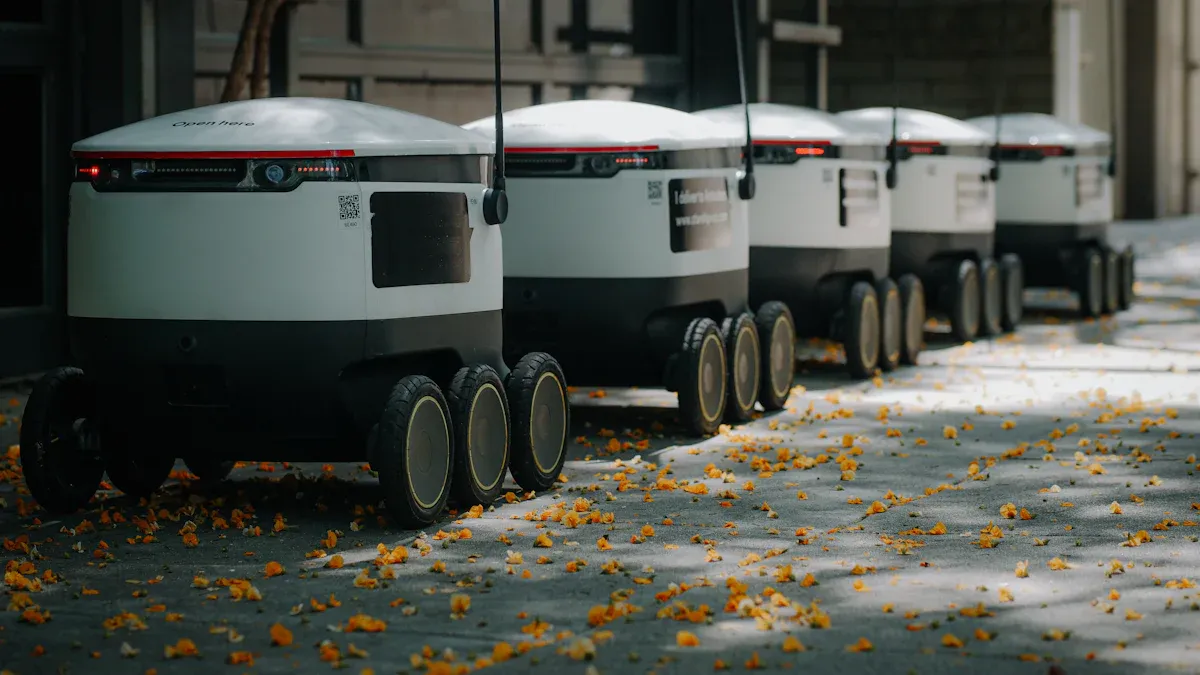
Standardized policies and audits
You need clear rules for every store. Regular checks help you find problems early. Standardized policies make sure all stores follow the same rules. Audits help you see if stores are doing things right. Structured audit schedules help you avoid mistakes. The table below shows how audits and policies help your business:
Source | Evidence | Impact |
|---|---|---|
PwC Global Risk Survey (2023) | Standardized planning tools improve operational effectiveness | |
Chartered Institute of Internal Auditors (2022) | Enhanced follow-up rates and data reliability | Structured audit scheduling improves compliance programs |
KPMG Retail Industry Audit Benchmark Report (2024) | 29% reduction in operational errors | Regular audits lead to better accuracy in compliance |
Tip: Use the same rules and audit plans for every store. This lowers risks and keeps your business running well.
Centralized monitoring
Centralized monitoring lets you watch all your stores from one place. You can see what happens right away and act fast. This system helps you add new stores without buying more equipment. You get alerts when something is wrong. You can check video footage from anywhere. The table below lists the main benefits:
Benefit | Description |
|---|---|
Unified Monitoring | See all locations from one dashboard in real time. |
Scalability Without Additional Hardware | Add new stores easily without extra equipment. |
Real-Time Alerts and AI-Powered Analytics | Get instant warnings for quick action. |
Streamlined Data Management | Access and share video footage easily. |
Reduced Maintenance and Downtime | Manage updates remotely and keep stores running. |
Vendor and third-party risk
You work with many vendors and partners. Each one can bring new risks. Some vendors may not follow your rules or have weak security. You should check each vendor before working with them. Review their security practices and make sure they match your standards. Keep a list of approved vendors and update it often. This helps you control who can access your systems and data.
Check vendor security before signing contracts.
Review vendor performance every year.
Remove vendors who do not meet your standards.
Continuous improvement
You must keep making your security plan better. Technology changes quickly, and new threats appear often. Use advanced tools like AI-powered systems to spot problems early. Train your staff so they know how to use new systems and handle threats. Work with local police to share information and stay safe. Always follow data protection laws and tell customers how you use their data. Update your incident response plan often.
Best Practice | Description |
|---|---|
Technology Solutions | |
Staff Training | Teach staff to spot and report problems. |
Collaboration with Law Enforcement | Work with police to improve safety. |
Data Protection Compliance | Follow laws like GDPR and CCPA. |
Customer Communication | Tell customers how you use their data. |
Incident Response Plan | Update your plan for new threats. |
Note: When you review and update your security steps often, you keep your stores safe and ready for anything.
You must use good security to keep your autonomous stores safe. Put in cameras and use access controls at all doors. Check your stores with audits on a regular basis. Teach your staff what to do and update your software often. Follow privacy laws and tell customers how you use their data. Buy insurance to help if something bad happens. Watch for new threats and make your systems better as things change. Start now to earn trust and protect your stores.
Tip: Look at your security plan every month so you can stop new risks.
FAQ
What is the biggest security risk in autonomous stores?
You face the biggest risk from theft and cyberattacks. Thieves may steal products if cameras or locks fail. Hackers may target your systems to steal customer data. You must use strong security tools and train your staff.
How can you protect customer privacy in autonomous stores?
You should collect only the data you need. Use encryption to keep information safe. Always tell customers what you collect and why. Let them choose if they want to share their data.
Do you need to follow privacy laws in every location?
Yes. You must follow privacy laws like GDPR or CCPA in every place where you have stores. These laws protect customer data. If you do not follow them, you may face large fines.
What should you do if a data breach happens?
Act fast. Tell your customers and the right authorities. Fix the problem to stop more damage. Review your security plan and update it to prevent future breaches.
