Steps to retrofit existing infrastructure for autonomous retail in Franchise & multi-location retailers.

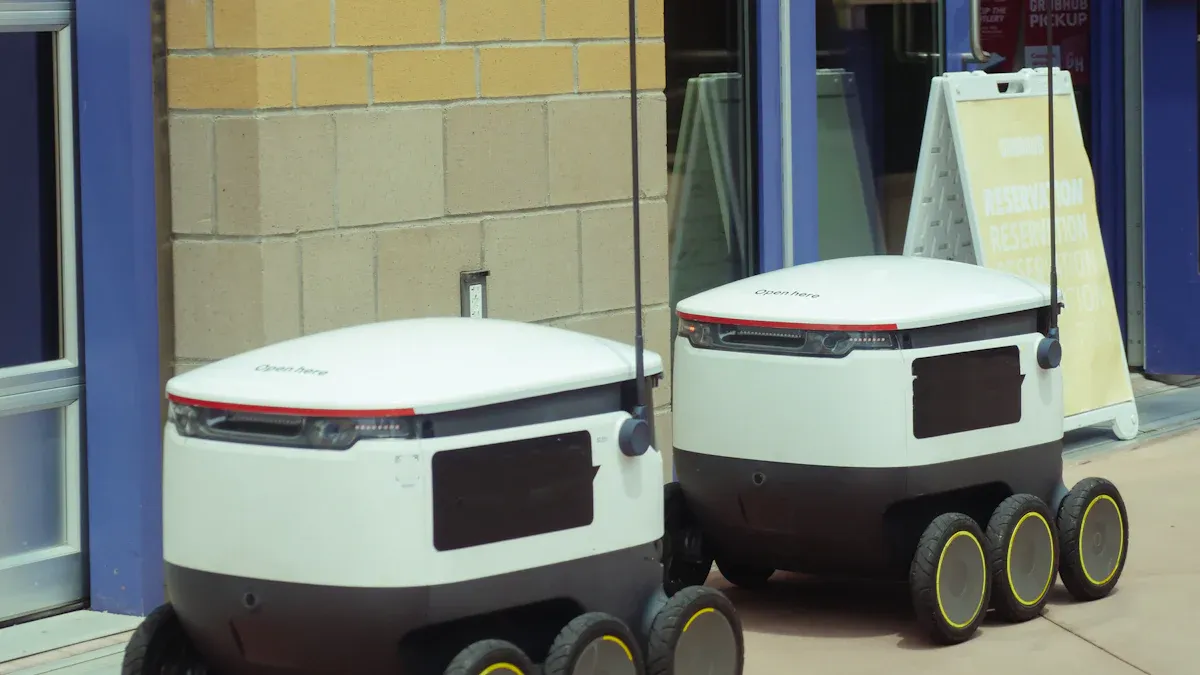
If you want to update your stores for autonomous retail, start by evaluating each location and setting clear goals. Use a smart plan that includes strategies to retrofit existing infrastructure. Build a team from different departments to ensure a well-rounded approach. Make sure all stores follow the same guidelines. A solid plan that incorporates ways to retrofit existing infrastructure helps you stay in control and maintain consistency. Franchise and multi-location stores may face more challenges, but with good planning and by choosing to retrofit existing infrastructure, you can achieve significant rewards.
Key Takeaways
Look at each store’s layout and technology before changing anything. This helps you see what needs to get better.
Make a team with people from different departments. This makes sure every part of the store is included.
Set clear goals and use KPIs to check progress. This keeps your project on track and easy to measure.
Pick the best hardware and software for your store’s needs. This makes things work better and helps customers.
Try out changes in a few stores first. Get feedback to make your plan better before using it everywhere.
Form an Internal Task Force
Cross-Functional Team Setup
You need a strong team to help with your autonomous retail project. Bring people from different departments together. Each person has special skills. This helps you cover every part of the store. A cross-functional team helps you notice important things.
Here is a simple table that shows the key members you should include:
Team Member | Department | Main Responsibility |
|---|---|---|
Store Manager | Operations | Oversee daily store changes |
IT Specialist | Technology | Manage system upgrades |
Customer Service | Support | Communicate with shoppers |
Inventory Lead | Stock Control | Monitor product movement |
Tip: Pick team members who know your store well. They can find problems early and give good ideas.
Meet with your team often. Use meetings to share news and fix problems together. This helps everyone understand what is happening.
Define Roles and Responsibilities
Clear roles help your team do better work. Give tasks to people based on what they do best. For example, the IT Specialist can do system upgrades. The Store Manager can lead daily changes. Customer Service can talk to shoppers and answer questions. Inventory Lead can keep track of products and restocking.
You can use a table to organize team responsibilities and tasks:
Tasks Executed by Autonomy | |
|---|---|
Category direction and brand guardrails | Trend detection |
Creative expression and campaign decisions | Vendor coordination |
Root-cause analysis for outlier performance | PDP content execution |
Strategic margin and pricing logic | Allocation and replenishment |
Vendor quality and assortment direction | Price changes |
Seasonal and regional experimentation | Performance-driven adjustments |
Note: When everyone knows their job, there is less confusion. This helps your project go faster and easier.
Check roles as your project gets bigger. Change jobs when you add new technology or change how the store works. This keeps your team ready for new things.
Assess and Plan to Retrofit Existing Infrastructure
Site-Specific Evaluation
Look at each store carefully before you retrofit existing infrastructure. Each store is different. Some stores have narrow aisles. Others have wide spaces. Check the lighting in every store. Look at where shelves are placed. Find all entry points. These things help you know what to change.
Tip: Walk around each store and write down notes. Ask workers about busy times and problems they see. This helps you learn what works well and what needs fixing.
Make a checklist for every store. Write down things like:
Store size and layout
Number of entry and exit points
Current security systems
Customer traffic patterns
Inventory storage areas
Use your checklist to compare stores. Find out which stores need more updates. This step helps you plan better and stops surprises.
Review Current Technology and Operations
Check the technology and operations in each store. Many stores use old systems that slow things down. These legacy applications often have monolithic architectures. They use outdated technology stacks. Old systems can cause risks and make it hard to grow.
Start by looking at all your current applications and systems. Find what works well and what does not. Look for places that need improvement. Make a plan to update your technology so it fits your business goals.
Here is a simple list of what to check:
Identify potential areas for improvement
Create a clear strategy for modernization
Note: If you retrofit existing infrastructure, you can lower risks and make stores more flexible. New technology helps you serve customers faster and manage inventory better.
Set Autonomous Retail Goals
Set clear goals for your autonomous retail project. Goals help you see progress and check if changes work. Pick goals that fit your business and store size. Use key performance indicators (KPIs) to track results.
Here is a table with important KPIs for franchise and multi-location retailers:
KPI | Description |
|---|---|
Revenue growth rate | Measures the increase or decrease in income or sales growth, showing overall business performance. |
Cash flow forecast | Assesses sales and margins, helping you understand financial health. |
Inventory turnover | Shows how quickly goods are sold, important for managing stock in limited space. |
Funnel drop-off rate | Tracks how many customers leave the sales process, highlighting areas for improvement. |
Set targets for each KPI. For example, try to grow revenue by 10% in one year. Try to lower funnel drop-off rate by making checkout easier. These goals guide your project and show where you need to improve.
Alert: Make sure your goals fit your store’s needs. If you have many stores, keep goals the same so you can compare results.
Make a roadmap for inventory, labor, and operations. This roadmap shows what steps to take and when. It helps you stay organized and keeps your team focused. With a clear plan, you can retrofit existing infrastructure and reach your goals faster.
Select and Integrate Technologies
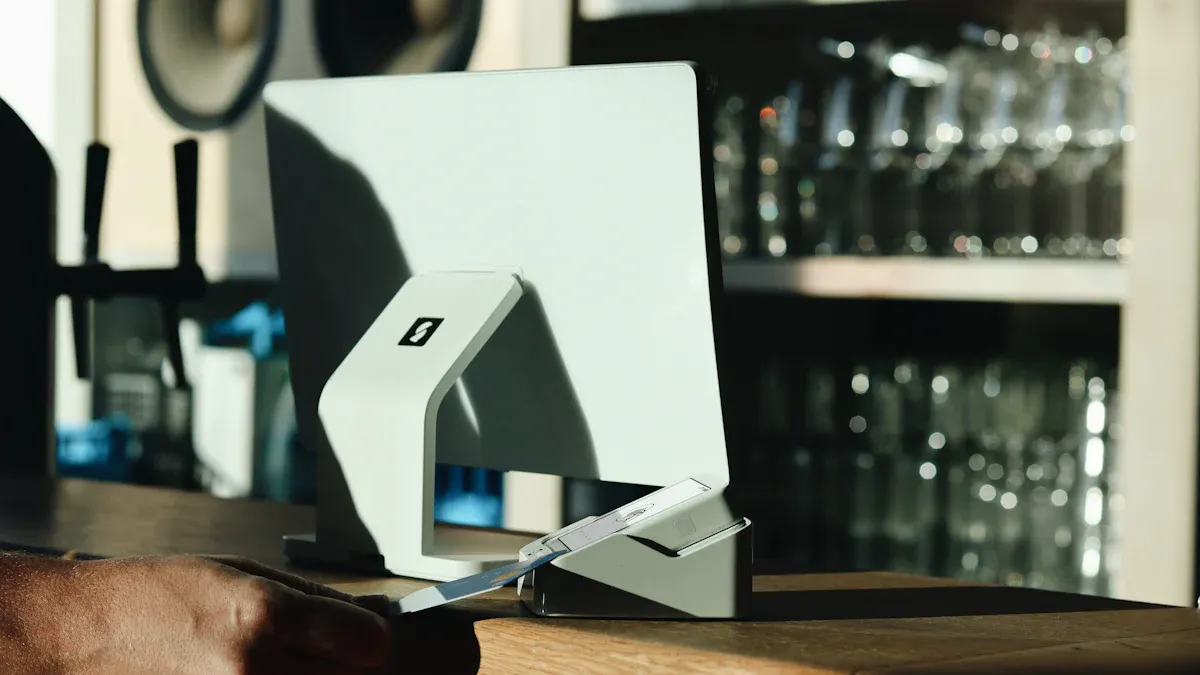
Hardware Selection (Sensors, Cameras, IoT)
You need to pick the right hardware for your stores. Hardware means sensors, cameras, and IoT devices. These tools help you track products and watch customers. They also help keep shelves full. The market for these tools is growing quickly. Experts think it will be worth over 23 billion dollars by 2032.
Here is a table showing main hardware parts and trends:
Category | Details |
|---|---|
Market Growth | From $8.54B in 2025 to $23.43B by 2032 |
Key Components | Displays, shelf indicators, sensor suites (proximity and weight), hardware for uptime |
Shelf Modalities | Autonomous shelves, mobile units, fixed shelves for dynamic inventory flows |
Connectivity Standards | AI vision, barcode scanning, RFID, open connectivity options |
Sensor Integration | Smart shelves now act as critical assets for inventory visibility |
Convergence of Tech | Advanced sensors, AI vision, and analytics for proactive stock management |
Pick sensors that match your store layout. Use shelf sensors to track products. Cameras with AI can show what customers do. RFID tags and barcode scanners make inventory checks faster. These tools help keep shelves stocked and cut down mistakes.
Tip: Pick hardware that works in all your stores. This makes it easier to fix and manage.
Software Integration (POS, AI, Analytics)
You need to connect new software with your current systems. This includes POS, ERP, and inventory tools. Many stores use both old and new systems. Open APIs and standard data formats like JSON help systems talk to each other. Some stores still use CSV files for batch updates.
Here is a table of common systems you may need to connect:
System Type | Examples |
|---|---|
Legacy and modern POS systems | Various POS systems |
ERP platforms | SAP, Oracle, Microsoft Dynamics |
CRM and loyalty systems | Salesforce, HubSpot, custom solutions |
E-commerce platforms | Shopify Plus, Magento, BigCommerce, custom |
Warehouse and inventory management | WMS, IMS |
Follow these steps to connect your systems:
Use open REST APIs or GraphQL interfaces for easy integration.
Exchange data in JSON format for better compatibility.
Support old systems with CSV batch imports if needed.
Sync master data and transaction records both ways.
When you connect your software, you can use AI and analytics to learn more about your store. You can see what sells best and when to restock. You can also find ways to make shopping better.
Note: Make sure your new software works with your old systems before you retrofit existing infrastructure. This helps you avoid problems and saves money.
Technology and Store Design Alignment
You need to match your technology choices with your store design. Every store has different customers and layouts. Think about who shops in your store and what they need. For example, stores with young shoppers may use more mobile tech. Stores with older shoppers may need simple displays.
Here is a table showing main challenges you may face:
Challenge Type | Description |
|---|---|
Choose technology that fits your shoppers’ age and habits. | |
Marketing Needs | Use tech that helps with marketing and supplier campaigns. |
Operational Efficiency | Digital checkout can cut costs and let staff focus on other jobs. |
Business Case for Technology | Make sure you can show a good return on investment before you buy new tech. |
Test new technology in one store first. This helps you see if it fits your design and customer needs. You can also check if it helps your staff work better.
Alert: Always check if your new technology fits your store’s look and feel. Good alignment makes shopping better for everyone.
By picking the right hardware and software, and making sure they fit your store design, you build a strong base for autonomous retail. This step helps you move forward with confidence as you retrofit existing infrastructure.
Upgrade Physical and Digital Infrastructure

Remodel Store Layouts
You should plan how your store looks for autonomous retail. Open spaces help sensors and cameras see better. If you take away things that block, AI vision can see the whole store. Start by checking your store with a site survey. This shows what needs to change. Look at these points:
See if shelves block sensors or cameras.
Make sure lights are bright and spread out.
Decide where new network cables should go.
Make aisles wide so people can walk easily.
Making these changes helps your technology work well. It also makes shopping nicer for customers.
Entry/Exit and Security Systems
You need to keep your store safe and simple to use. Modern security tools help with this. Here are some good choices:
Network cameras watch doors and sales areas. They find problems fast and help you fix them.
IP audio systems play music and give warnings if needed. This makes your store feel safe and happy.
Access control systems check who comes in and out. They count people inside and keep things safe.
These systems work together to protect your store. They also make shopping easy for everyone.
Centralized Network Management
You need strong network management for many stores. Centralized systems let you control everything from one place. This makes stores work better and saves money. Here is how these features help:
Feature | Benefit |
|---|---|
Low latency | Cuts delays for real-time apps. |
Reduced blast radius during outages | Keeps important services running if the network fails. |
Centralized control and automation | Makes it easy to manage all stores at once. |
Centralized network management helps you fix problems quickly. You can update systems and keep things working, even if one store has trouble. This is a smart way to retrofit existing infrastructure for autonomous retail.
Change Management and Training
Staff Training for New Workflows
You need to get your staff ready for new workflows in autonomous retail. Workers must learn how to use new technology and follow new steps. Begin with hands-on training. Show your team how sensors, cameras, and digital systems work. Use easy guides and videos to teach each step. Let your staff ask questions and practice using the new tools.
Tip: Give your team time to get used to changes. Help them and answer questions fast. This makes everyone feel sure and ready for new things.
Make checklists for daily jobs. Use role-play so staff can practice odd situations. Make sure everyone knows how to help customers with self-service systems.
Communication with Franchisees
You need to keep franchisees up to date and working toward your goals. Use clear and regular talks to build trust. Share news about the autonomous retail changes. Hold meetings and send newsletters to explain what is new and what you expect.
Support and training help franchisees keep brand standards.
Keeping the brand the same keeps a good name everywhere.
Meet often to make sure everyone has the same goals.
Make a way for feedback so you can fix problems early.
Use clear reports so everyone can see important numbers.
Have an open-door rule so problems get fixed fast.
Use digital tools to help everyone work together.
Celebrate wins to keep franchisees happy and motivated.
Do not only use digital messages. Meeting in person helps stop confusion. Seeing people face-to-face builds stronger bonds and helps franchisees feel supported.
Customer Interaction in Autonomous Stores
Customers act differently in autonomous stores than in regular stores. You need to help shoppers learn new systems and feel safe using them. Put up signs and digital screens to guide customers through self-checkout and picking products.
Feature | Autonomous Retail | Attended Retail |
|---|---|---|
Self-service, technology-driven interactions | Human staff engagement with customers | |
Convenience | Designed for maximum self-service convenience | Personalized shopping experiences with human touch |
24/7 Availability | Operates round-the-clock without staff | Limited by store hours and staffing availability |
Accuracy | AI and sensors improve accuracy in transactions | Dependent on staff training, prone to human error |
Note: Watch what customers say about your store. Make changes to help them have a better time. Help customers who have trouble with new tech. This keeps your store friendly and easy to use.
Pilot, Test, and Optimize
Launch Pilot Locations
Begin your autonomous retail journey with pilot stores. Choose stores where you can learn the most. Pick places that sell lots of simple items. These items are easy to automate and sell quickly. Make sure your vendors can handle your tech and security needs. Watch numbers like how happy customers are and how fast items sell. Plan money for spare parts, service, and training.
Criteria | Description |
|---|---|
Pick items that sell often and are easy to automate. This helps you get quick wins in pilot tests. | |
Vendor requirements | Vendors must meet tech, security, and service standards before you grow bigger. |
Operational metrics | Track KPIs like takt time, yield, and customer happiness to make smart choices. |
Budget considerations | Plan for costs like spare parts, service work, and training for local teams. |
Focused pilot | Start with small pilots to check speed and accuracy before you expand. |
Test your ideas in a few stores first. Do not start in all stores right away.
Gather Feedback and Refine
Collect feedback from your pilot stores. Use different ways to get ideas. Hold pilot programs in controlled places. Talk to workers and shoppers. Ask what is good and what is confusing. Look at data from your systems. Check if AI models make smart choices. Use feedback to make your tech and store better.
Listen to what workers and shoppers say.
Review sales and inventory numbers.
Watch how people use self-checkout and new tools.
Change your systems based on what you learn.
Tip: Keep your team involved. Their ideas help you find problems and fix them early.
Optimize for Scale
After you improve your pilot, get ready to grow. Set clear goals for adding more stores. Use AI to manage inventory and keep shelves full. Make sure everyone knows the plan. Make self-checkout systems the same in every store. Invest in strong data and network systems.
Start with a pilot site to check how things work.
Set goals for growth that fit your business vision.
Talk to all teams and get feedback.
Use the same tech in every store for consistency.
Build strong systems for data and connections.
You may face problems like sensor mistakes, tech issues, or confused customers. Keep making your systems better. Good tech and planning help you grow and succeed in autonomous retail.
Rollout and Monitor Performance
Scale Across Locations
You need a good plan to grow autonomous retail in all your stores. First, learn how long each rollout takes. Small AI projects finish in two to four months. Bigger projects with more features take six to twelve months. The table below shows the average time for each type:
Deployment Type | Average Timeline |
|---|---|
Targeted AI Implementations | 2–4 months |
Broader Multi-Function Deployments | 6–12 months |
When you grow, you may run into problems. You might pick the wrong technology. Sometimes, connecting new systems is slow. Customers may not trust the new way of shopping. You could also have trouble with how people use the store, or with rules and laws. Competing with regular stores can make things harder. Here are some other problems you might see:
Product detection mistakes can cause billing errors.
Customers may worry about privacy or not understand new systems.
High costs for new technology and maintenance.
Technical glitches or downtime.
Inventory tracking can be hard to keep accurate.
Data privacy and security risks.
Shoplifting or fraud.
You can stop many problems by planning well and testing before you grow.
Monitor KPIs and Continuous Improvement
You need to watch key performance indicators (KPIs) to see how you are doing. Some important KPIs are customer satisfaction, first-call resolution, and inventory accuracy. You should also check how fast you fix problems, how much returns cost, and if your inventory numbers are right. The table below lists some important KPIs:
KPI | Description |
|---|---|
Customer Satisfaction (CSAT) | Measures how happy customers are after using your store. |
First-Call Resolution (FCR) | Shows how often you solve issues on the first try. |
Inventory Accuracy | Checks if your stock counts match what is really in the store. |
Returns Processing Time | Tracks how quickly you handle returns. |
Net Return Cost | Measures the total cost of returns. |
To keep your stores working well, do these things:
Train your AI models often with new data and feedback.
Test new features with A/B testing to see what works best.
Check your hardware and update your software often.
Watch your systems all the time to find problems early.
Tip: Listen to feedback from staff and customers to make your stores better. Even small changes can help your stores work better.
By watching KPIs and making improvements, you can keep your autonomous stores running well and keep customers happy.
You can do well in autonomous retail if you have a clear plan. First, build a team with people from different departments. Check what each store needs before making changes. Early adopters learned to work closely with their stores. They improved systems and spent money on training staff. Try out new ideas in pilot stores and see how they work. Watch things like checkout speed and how happy customers are. Use data and AI tools to help with inventory and sales. Keep all stores working the same way and manage them from one place. Start changing your stores now and get ready for the future.
FAQ
What is autonomous retail?
Autonomous retail lets customers shop and pay by themselves. Stores use sensors, cameras, and smart software. This makes shopping quick and easy for everyone.
How do you start retrofitting your store?
First, build a team to help you. Look at your store’s layout and technology. Set clear goals for your project. Pick the best hardware and software. Try changes in one store before updating all stores.
What are the biggest challenges for franchise and multi-location retailers?
You must keep stores the same and manage old systems. Staff need training for new ways of working. Stores have different layouts and customers. Good planning and talking clearly help fix these problems.
How do you keep customer data safe in autonomous stores?
Use secure networks and strong tools to protect data. Update your software often. Teach staff to spot risks. Keeping customer privacy safe builds trust and protects your business.
Can you upgrade old stores without closing them?
Yes, you can upgrade stores without closing them. Plan upgrades when stores are not busy or at night. Use steps to make changes slowly. This lets you serve customers while making your store better.
