Store layout design for optimal computer vision coverage

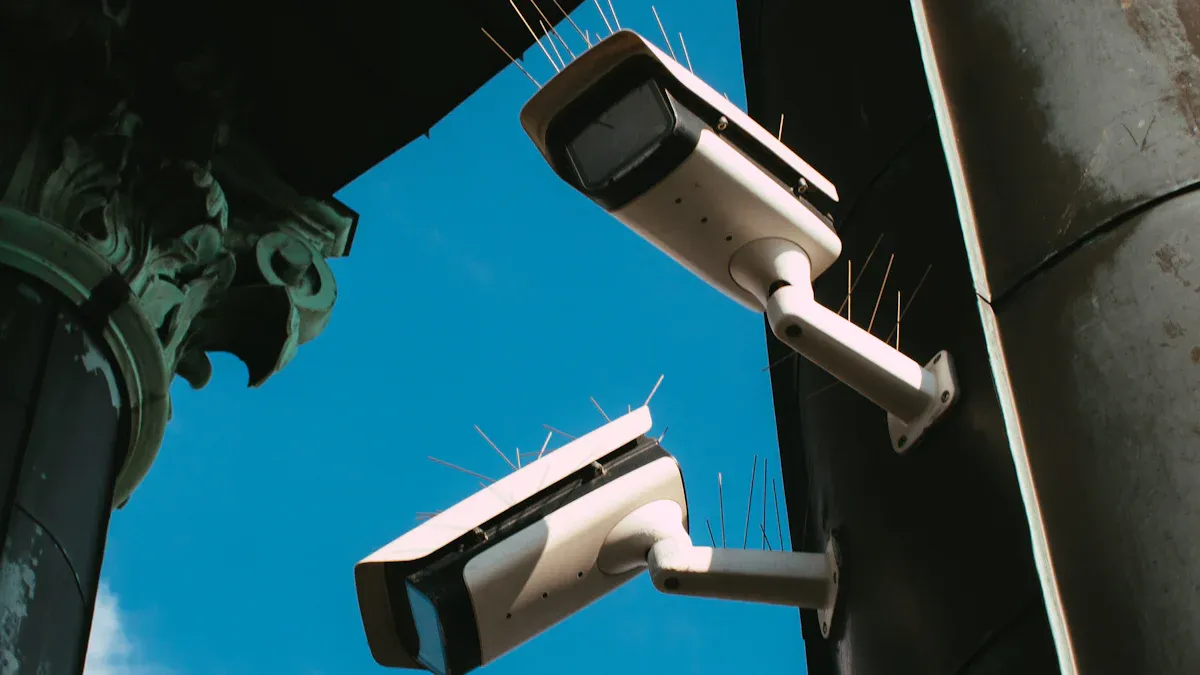
You can enhance your store layout design by using computer vision. This technology allows you to observe how shoppers navigate and interact with displays.
You track where people walk and adjust the store layout design to facilitate easier shopping.
You manage lines in real-time, ensuring they remain short and customers have a positive experience.
You monitor inventory and shelf levels, keeping products organized and easy to find.
With these tools, you improve customer satisfaction and optimize your store layout design for better performance.
Key Takeaways
Use computer vision to watch how shoppers move. This helps make store layouts better for customers.
Put cameras in smart places to see blind spots. This makes shopping easier and smoother.
Use heatmaps to find busy spots in the store. Move products to these spots to help sales go up.
Look at how shoppers act often and try new layouts. This helps make the store better all the time.
Keep customer privacy safe by following rules. Use anonymization when using computer vision.
Store layout design strategies for computer vision
Strategic camera placement
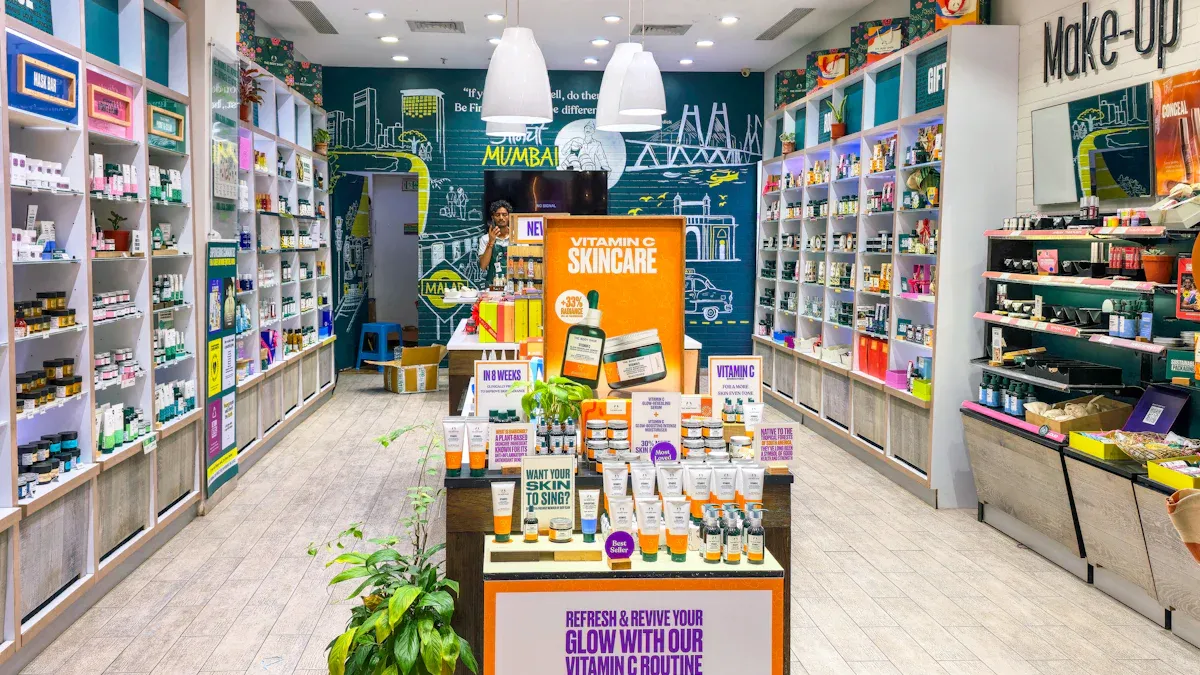
First, you look at your store’s setup. You check where cameras are now. You find places that do not have cameras. You put new cameras in those spots. Advanced cameras can process video right there. This means you do not need a lot of extra machines.
You can test camera spots with a small trial. Pick one area or one store to start. Write down numbers before you move cameras. Change camera spots if you see problems. Take good notes so you can use them later.
Here is a table that shows smart ways to place cameras:
Strategy | Description |
|---|---|
Infrastructure review | Map existing camera positions, identify blind spots, and install additional units. Use advanced cameras with on-board processing. |
Controlled pilot | Test in a limited number of stores, record baseline figures, and refine placement based on trial results. Keep detailed notes. |
You need to think about your store layout design. Different layouts need different numbers of cameras. They also change where you put cameras. Grid layouts are good for grocery stores. But aisles can have blind spots. Herringbone layouts fit narrow stores. You need more cameras at the ends. Loop layouts are for small stores. Corners can be hard to see. Free-flow layouts are flexible. You must watch open spaces closely.
Layout Type | Best For | Coverage Challenge |
|---|---|---|
Grid | Convenience, Grocery | Aisle blind spots |
Herringbone | Narrow Grocery | End-cap coverage |
Loop | Small-format Grocery | Corner visibility |
Free-flow | Flexible Convenience | Open area monitoring |
Tip: Heat maps show where customers walk. This helps you test your store layout design and camera spots.
Minimizing occlusions and blind spots
You want cameras to see as much as they can. Make sure walkways are wide and clear. Do not put things where they block the camera’s view. A good flow helps people move and keeps hidden spots away.
Put high-margin items where people can see them. Group products that go together. This makes things easy to find and helps you sell more. Put nice displays near the door. These help guide shoppers and let cameras track them.
Here are some reasons for blind spots and how to fix them:
Clear pathways: Wide aisles and good flow stop hidden spots.
Good product placement: Eye-level and grouped items are easy to see.
Sensory cues: Nice displays at the entrance help guide people.
You can use smart ways to stop occlusions. Attention mechanisms help computer vision models look at important parts. Occlusion-based data augmentation trains models to see things even if they are partly blocked. Multi-modal fusion mixes data from different sensors for a full view. Temporal context analysis watches movement over time to guess where hidden things are. Active deep sensing changes the camera view to see better.
Method | Description |
|---|---|
Attention Mechanisms | Models focus on informative parts of an image, ignoring occluded regions. |
Occlusion-based Data Augmentation | Simulates occlusion in training images to help models recognize partially hidden objects. |
Multi-modal Fusion | Combines data from various sensors to provide a complete view of the scene. |
Temporal Context Analysis | Analyzes motion over time to predict the location of occluded objects. |
Active Deep Sensing | Adjusts viewpoint to gain clearer visibility of objects. |
Note: Samsung’s pop-up store used computer vision to watch how people moved. This helped them change the layout right away. Legend World Wide changed their layout after looking at customer paths. This made it easier to shop and fewer people left early.
Overhead and wide-angle lens use
Overhead cameras cover big areas from above. You put them in the middle of the ceiling or in important spots. Wide-angle lenses let you see more with fewer cameras. They can cover up to 110 degrees or more. Pick short focal lengths, like 2.8 to 4 mm, for wide views.
Wide-angle lenses are good for big or open spaces. They help you see everything and cut down on blind spots. Features like high-definition video, night vision, weatherproof cases, and smart motion detection make them great for stores.
Short focal lengths mean you need fewer cameras.
High-definition video and smart motion detection help you watch better.
Tip: Overhead cameras and wide-angle lenses help you watch open spaces and doors. This lets you see how customers move and what they do with products.
Analyzing shopper flow with computer vision
Heatmaps and traffic patterns
Computer vision helps you see how shoppers move. Cameras and sensors watch people and record their movements. Smart algorithms look at this data right away. The system makes heatmaps by using colors for busy spots. These maps show where shoppers spend lots of time.
Live images show movement and make maps.
Colors point out busy and quiet places.
Big companies use these maps to change their stores and sell more.
Heatmaps help you pick good spots for displays and products. You can put popular items in busy areas. This can make sales go up by 10–15%. More stores are using these tools because they work well.
Understanding dwell times and product interactions
Computer vision does more than just track movement. It also checks how long shoppers stay in one place. It watches how people touch and use products. Tracking algorithms follow each person, even if something blocks the camera. Pose estimation looks at how people stand and move their hands. It sees if someone picks up an item or puts it in their basket.
Here is a table of important metrics and tools:
Strategy | Key Metrics | Measurement Tools |
|---|---|---|
Foot Traffic Heatmapping | Dwell time, zone traffic | CV heatmaps, IoT sensors |
Product Interaction Analysis | Pick-up rate, engagement | CV pick-and-put-back logs |
Queue Detection | Queue length, wait time | CV queue counts, POS data |
You can use this information to change your store layout. This makes shopping easier for everyone.
Identifying high-traffic and low-visibility zones
Computer vision helps you find busy and quiet areas. Busy areas are called hot zones. Quiet areas are called dead zones. Heatmaps show these patterns clearly. You can put popular products in hot zones to sell more. You can change displays in dead zones to get more shoppers. Using this data helps your store work better and keeps customers happy.
Tip: Use heatmaps often to keep your store layout new and useful.
Data-driven layout optimization
Using behavioral insights for layout changes
Computer vision helps you see how shoppers move. It tracks where people walk and what they touch. You notice which displays get attention. Some areas are not busy. You use this information to move products. You make items easier to see and grab. Putting things in smart spots helps you sell more. It also makes shopping better for everyone.
Computer vision shows how customers act in your store.
Product interaction data helps you place items well.
Custom layouts make shoppers happy and boost sales.
Hand-to-object detection and heat maps show how people pick up products. You use these tools to change your store layout. This makes shopping feel special and simple. Most shoppers like stores that are easy to walk through.
A/B testing and iteration
You try two layouts to see which one works best. A/B testing lets you compare how shoppers act in each setup. You track things like how people move and how long they stay. You can test in two stores at once. Or you can switch layouts in one store over time. This helps you find the best layout.
Parallel testing checks layouts in different stores.
Sequential testing changes layouts in the same store.
Computer vision measures important numbers.
You use what you learn to make your layout better. You keep testing and changing so your store works well and meets shopper needs.
Case study: real-world results
Stores like Target use data and heat maps to watch traffic flow. They find areas that do not do well. They fix these spots with nice displays. This brings in more shoppers and boosts sales. Computer vision also makes customers happier. It helps stores look good and run smoothly.
Vision AI stops out-of-stock problems and keeps products ready.
Inventory management gets easier.
Studying shopper behavior helps make shopping better.
You get helpful information and keep improving your store layout.
Operational and technical considerations
Privacy and compliance
You have to keep customer privacy safe when using computer vision. There are privacy laws like GDPR and CCPA. These laws tell you how to collect and use images. You must follow these rules or you could get fined. Breaking them can also hurt your store’s good name. Use anonymization, like face blurring, to protect people’s information. Do not keep personal data longer than you need it. Always let customers know about your cameras and how you use their data.
Compliance Consideration | Description |
|---|---|
Biometric Data Regulations | Stay updated on rules for facial recognition and other biometric data. |
Cross-Border Data Flows | Set policies for handling data that crosses country borders. |
Sector-Specific Regulations | Follow rules for your industry, especially if you handle sensitive data. |
Transparency Reporting | Report on your system’s performance and impact to authorities and customers. |
Note: Analytics software should only use anonymous data. It should not track people. This helps you follow the law and respect privacy.
Integration with store systems
You can link computer vision tools to your store’s systems. This helps you find problems fast and make your store better. For example, you can check if scanned items match what is in the bag. You can also watch what workers do and spot theft or mistakes. Real-time checks help you fix things right away.
Feature | Description |
|---|---|
Checks if scanned items match what is in the shopping bag. | |
Behavior Analysis | Spots unusual actions, like lingering in risky areas. |
Employee Monitoring | Tracks staff actions to ensure they follow rules. |
Transaction Monitoring | Compares scanned items with what is seen in the cart. |
Scan Avoidance Detection | Flags items that are not scanned. |
Sweethearting Prevention | Combines data to catch employee theft. |
Staff training and rollout
You need to teach your staff how to use computer vision tools. Start by showing how these tools fix real problems in your store. Map out what you do now and show where tech can help. Make clear rules for alerts and what to do. Use computer vision to give feedback during training. This helps staff learn faster and feel sure of themselves. Change your training as your system gets better.
Automate jobs when you can to save time.
Look at important data to get better results.
Watch how things work and update your models when needed.
Tip: Training made just for each person helps staff like new tech and learn more.
Challenges and limitations
You might have some problems with computer vision. Busy backgrounds and bad lighting can make it hard for cameras to see. Odd camera angles or shiny things can hide products. Items on top of each other can also cause trouble. You need to put cameras in good spots and move them if needed. Connect your computer vision to your store’s work steps for best results. Give everyone clear jobs so they know what to do.
Challenge Type | Description |
|---|---|
Hard to spot objects in busy scenes. | |
Uneven Lighting | Changes in light affect detection accuracy. |
Unusual Angles | Non-standard views can hide items. |
Specularity | Shiny surfaces block clear views. |
Severe Occlusions | Overlapping objects make detection tough. |
Remember: Check your system often and update it to keep it working well.
You can make your store better with computer vision. Put cameras in good places so you see more of the store. Try to have fewer blind spots by moving things around. Use wide-angle lenses to watch bigger areas with fewer cameras. Watch how shoppers move and use this information to change your layout. Keep checking your system to make sure it works well. Change things when new trends come up. Make sure you use technology but also protect people’s privacy. Teach your staff how to use these tools the right way.
Watch for new things like AI analytics and layouts that change in real time. Always try to get better so your store stays ahead.
FAQ
What is computer vision in store layout design?
Computer vision uses cameras and smart software to watch how shoppers move. You can use this data to improve your store layout and make shopping easier.
How do you reduce blind spots in your store?
You place cameras in smart locations. You keep aisles wide and clear. You move displays that block views. You check heatmaps to find hidden areas.
Is computer vision safe for customer privacy?
You protect privacy by using face blurring and not storing personal data. You follow laws like GDPR and CCPA. You tell customers about cameras and how you use their data.
How often should you update your store layout with computer vision data?
You should review your data every month. You make small changes often. You test new ideas and see what works best for your shoppers.
